


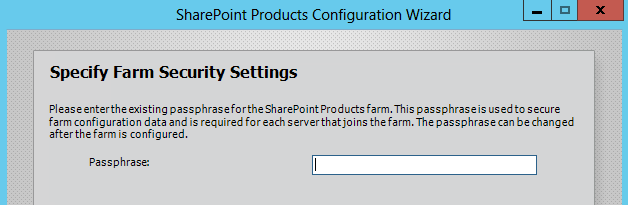
When joining a new server to an existing SharePoint 2013/2016 farm, you must enter the passphrase that secures the farm's configuration data. What if you do not know it? … Reset it.
Without the passphrase, you cannot add a new server to an existing SharePoint farm.
Fortunately, we have the PowerShell command Set-SPPassPhrase.
Set-SPPassPhrase lets you set a new passphrase without knowing the original one.
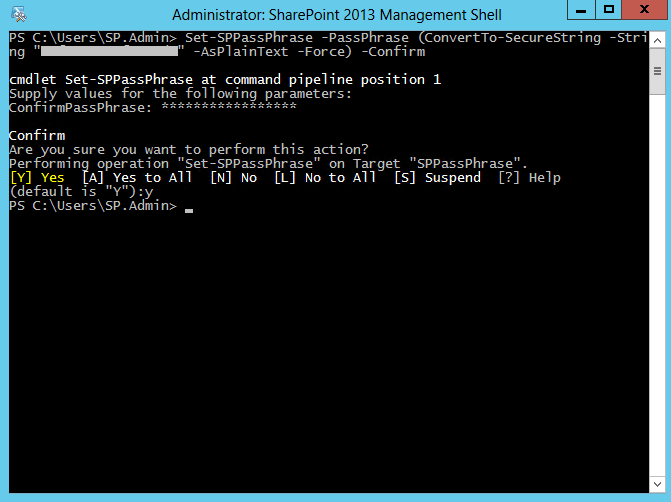
To reset the passphrase, run the following PowerShell:
Set-SPPassPhrase -PassPhrase (ConvertTo-SecureString -String "nové heslo" -AsPlainText -Force) -Confirm
Komentáře