


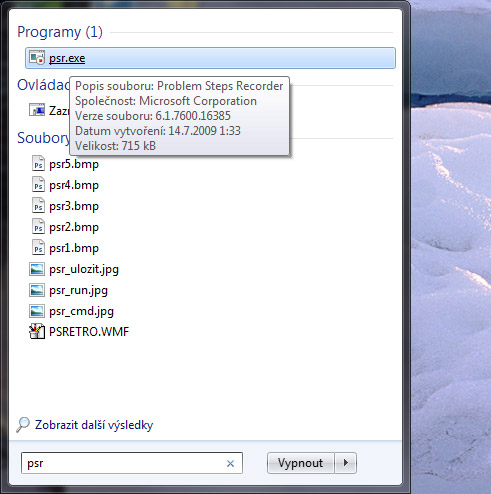
Windows 7 includes Problem Steps Recorder, launched by typing psr in Start. It captures the desktop and all actions performed, helping troubleshoot users' PCs when they cannot describe the problem and remote access is unavailable.
Problem Steps Recorder – PSR
Launch Problem Steps Recorder by typing psr in Start.
Start recording by clicking "Start Record“.

Pause at any time by clicking "Pause Record". Stop recording by clicking "Stop Record“.

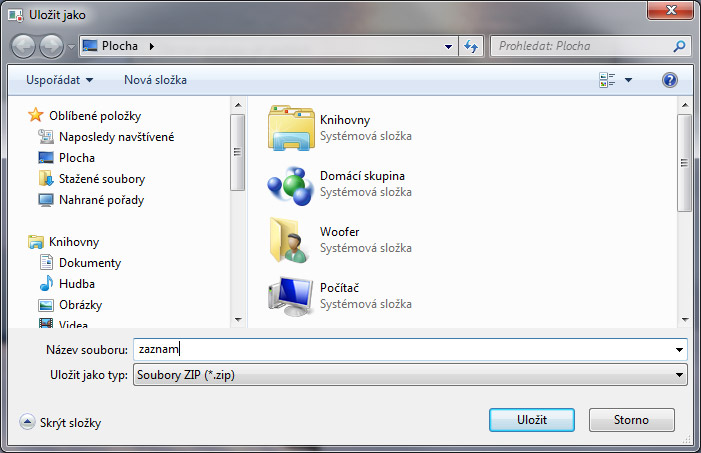
After recording, save the result as .zip, ready to send, for example, by email. The application Problem Steps Recorder saves results as *.mht (e.g. Problem_20100516_0910.mht), which you can extract and open in Internet Explorer.
Example from Problem_20100516_0910.mht |
|
This file contains all recorded steps and information to help explain the problem.
Passwords and other typed text were not recorded, except function keys and keyboard shortcuts.
|
Problem steps |
| PreviousNext |
|
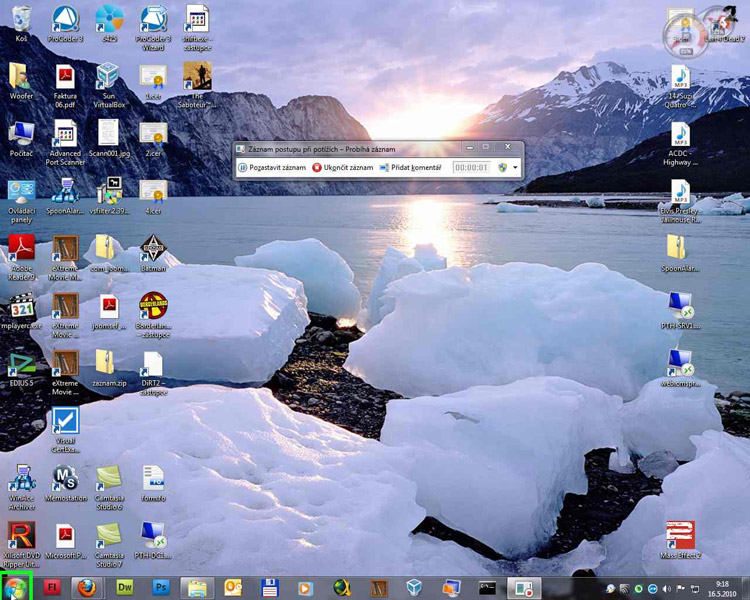
Problem step 1: (16.5.2010 9:18:08) User left-click on Start (Button) in Start |
 |
 |
|
Previous Next |
|
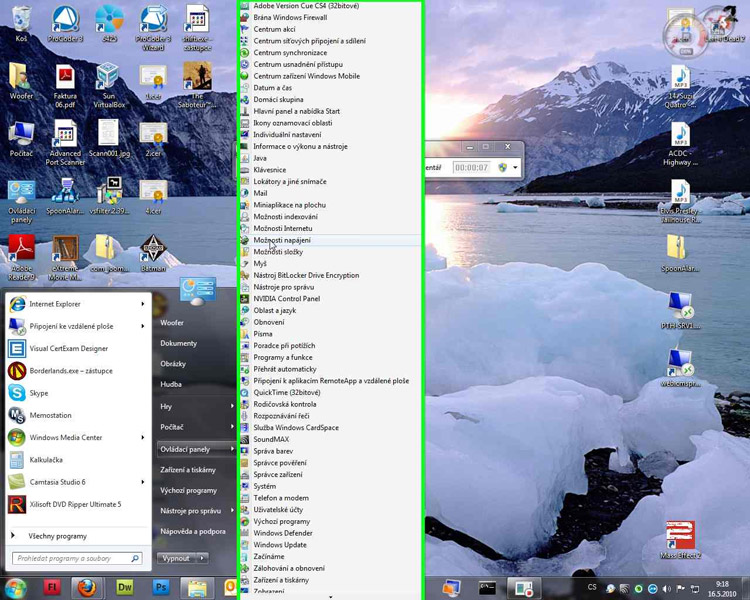
Problem step 2: (16.5.2010 9:18:14) User left-click: Power Options (Menu item) |
 |
 |
|
Previous Next |
|
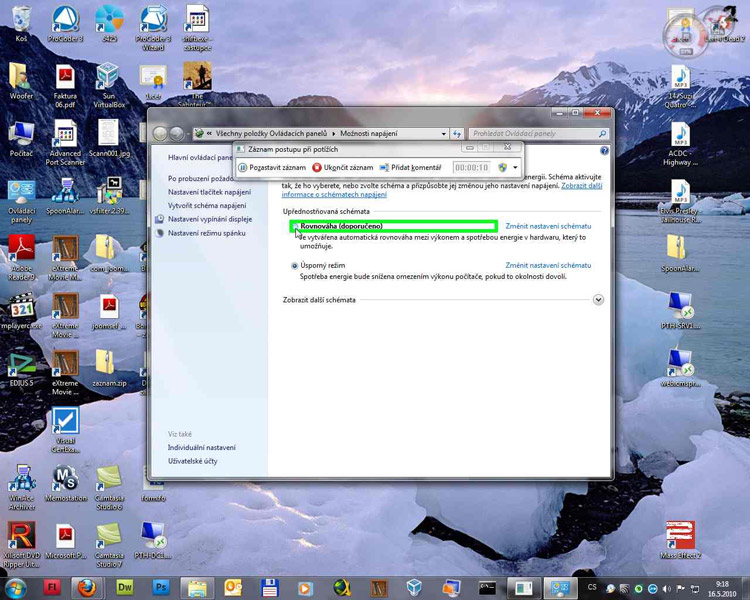
Problem step 3: (16.5.2010 9:18:16) User left-click on Balanced (recommended) (Radio button) in Power Options |
 |
 |
|
Previous Next |
|
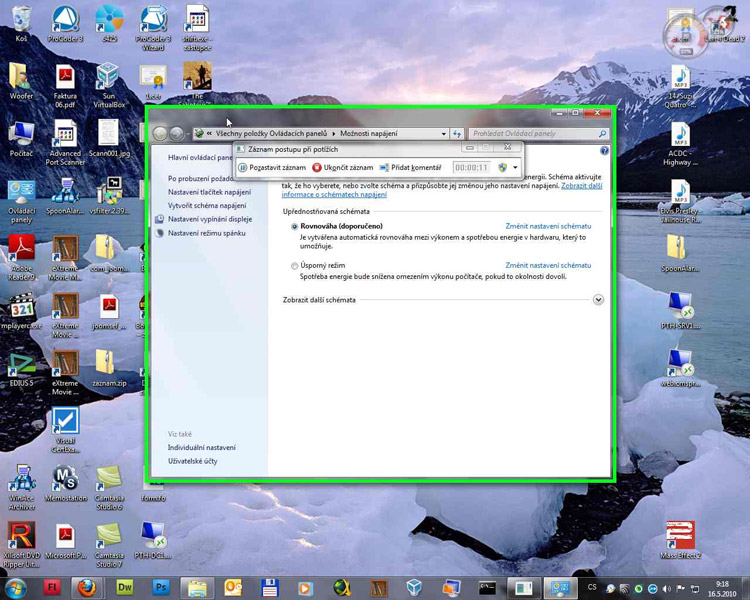
Problem step 4: (16.5.2010 9:18:18) User begins dragging: Power Options |
 |
 |
Return to top of page…
Additional details |
|
The following section contains additional information recorded to help find a solution. |
Komentáře