


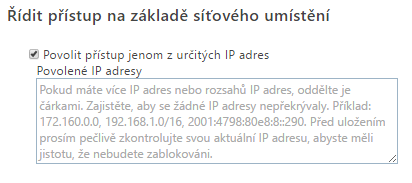
Important
If you enable "Allow access only from specific IP address locations", always add your own public IP address to Allowed IP addresses. Otherwise, you lose access to all SharePoint Online, including its administration settings.
If this has already happened, contact Microsoft support to disable the feature.
Error messages
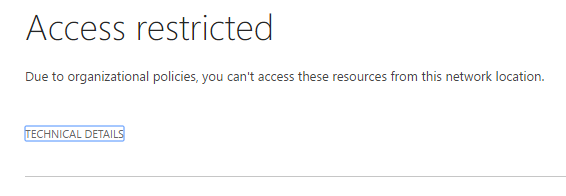
Access restricted – Due to organizational policies, you can’t access these resources from this network location.
Error when accessing from a network location that is not allowed.
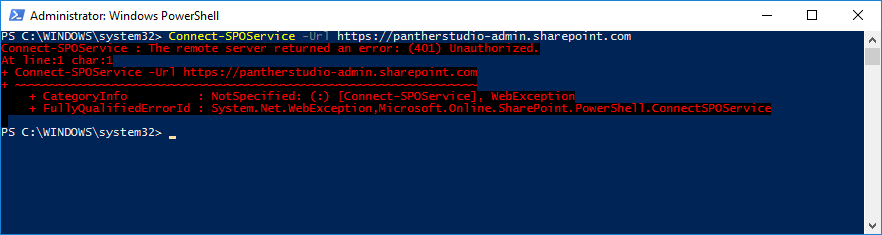
The remote server returned error: (401 Unauthorized)
Error when attempting PowerShell access.
 .
.
Komentáře