


Windows 7 enables hibernation automatically after installation, saving memory contents to hiberfil.sys on shutdown. This speeds startup significantly: instead of loading applications individually, the contents of hiberfil.sys are restored to memory.
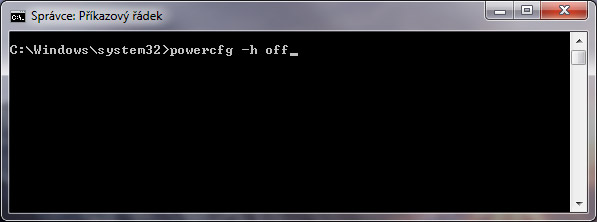
Disabling hibernation and deleting hiberfil.sys
- Open Start, type “cmd” and run as Administrator.
- type “powercfg.exe -h off”
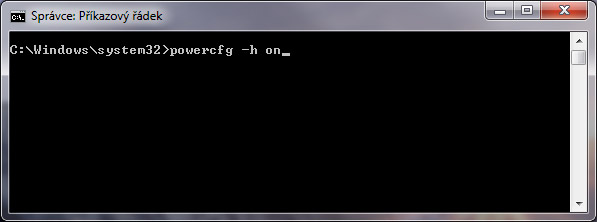
Enabling hibernation and deleting hiberfil.sys
- Open Start, type “cmd” and run as Administrator.
- type “powercfg.exe -h on”
Komentáře