


One main reason for creating AD user groups is to give users access to shared resources such as shared folders, printers and Windows SharePoint. When planning access to these resources, ensure that:
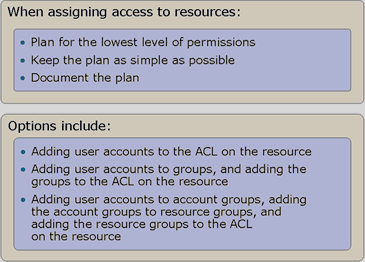
Options for resource access include:
1) UP (Inser – Permissions)
- Assign user accounts directly to resources (shared folders)
- Suitable for the smallest companies with roughly up to 10 users
- The design must change whenever an employee joins or leaves
2) UGP (Inser – Group – Permissions)
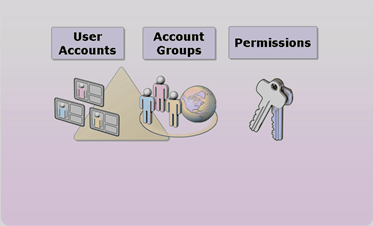
- Add user accounts to groups and assign those groups directly to resources (shared folders)
- Suitable for smaller companies with one domain
- Simple to design, but suitable only for a single-domain environment
3) UGDLP (Inser – user Group – Domain Local group – Permissions)
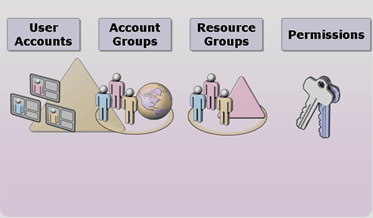
- Add user accounts to user groups (departments), add those to resource groups (a group with write permissions), and assign those directly to resources (shared folders)
- suitable for larger companies with multiple domains
- complicated to design, but easiest to manage in a multi-domain environment
Komentáře